 BLACKS-VISUAL
Work We Do
A closer look at how the hybrid rig actually shows up on-site — the control desks, the LED builds, the boardrooms, and the moments an audience never sees but always feels.
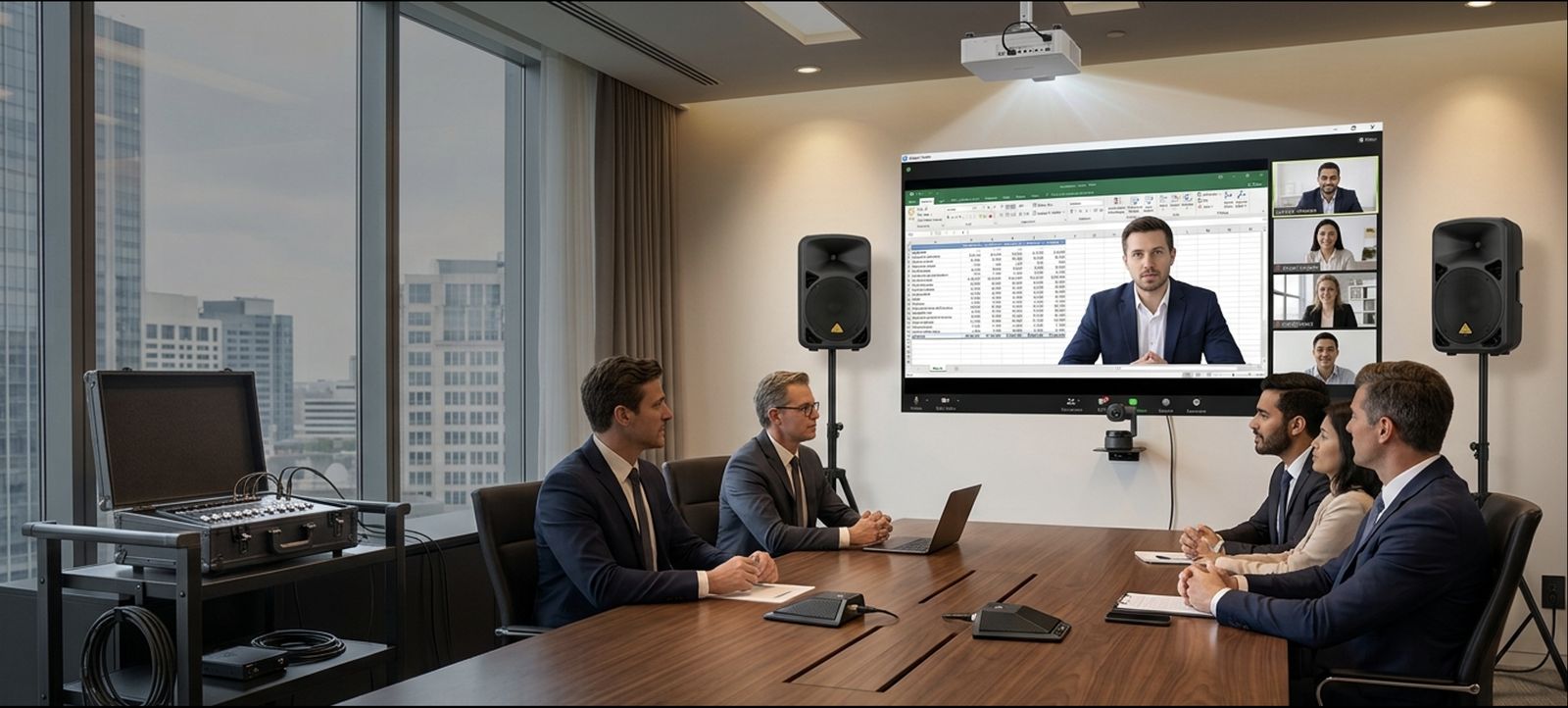
Real jobs, real rigs
Every project below ran on our own owned equipment, configured remotely and operated on-site by a trained field engineer — nothing borrowed, nothing improvised.
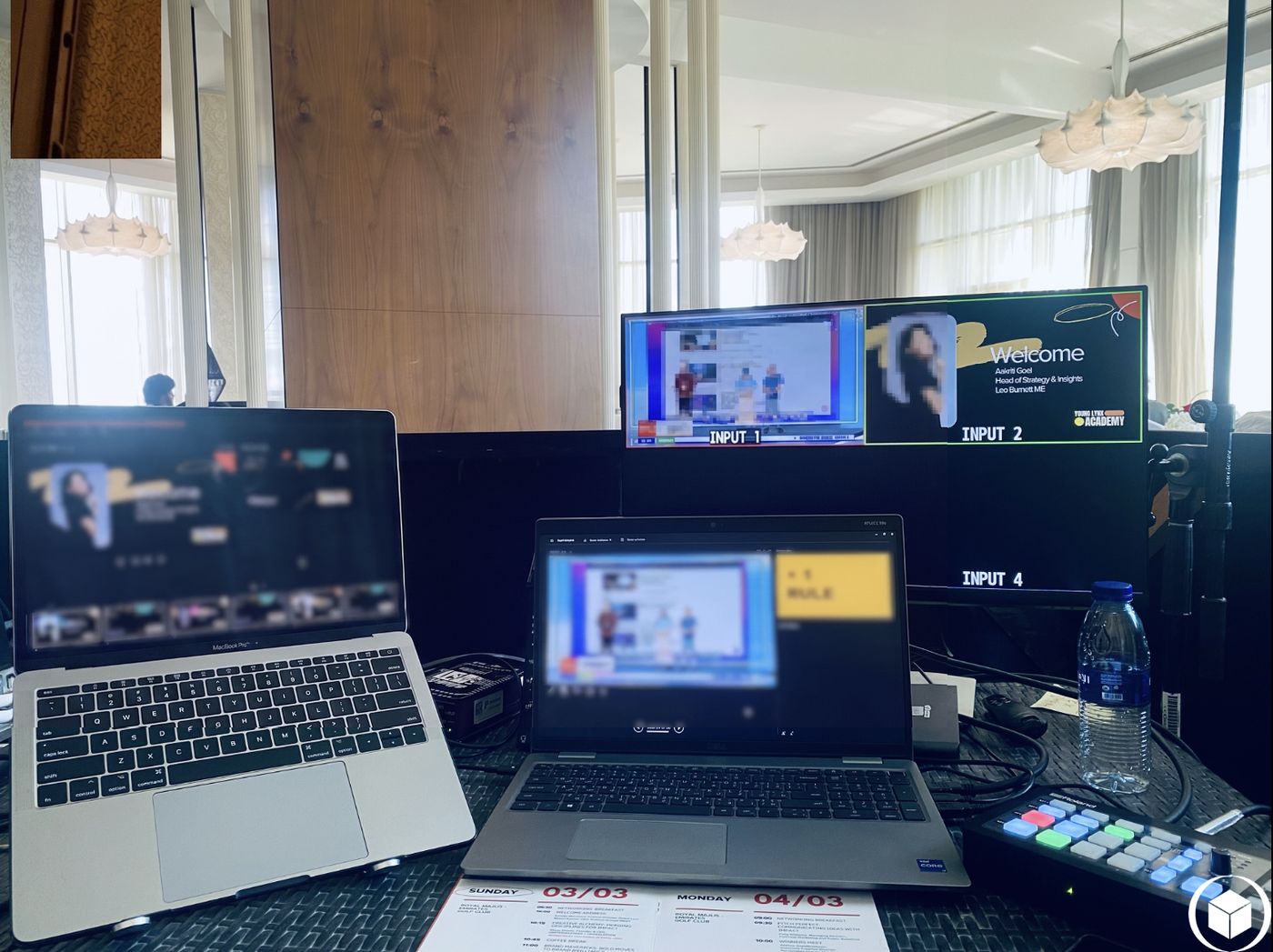
A Full Conference, Run From Two Laptops
Speaker slides, a welcome graphic, and a house camera — routed live across four monitored inputs so the room and the screen always matched, without a single dropped cut.
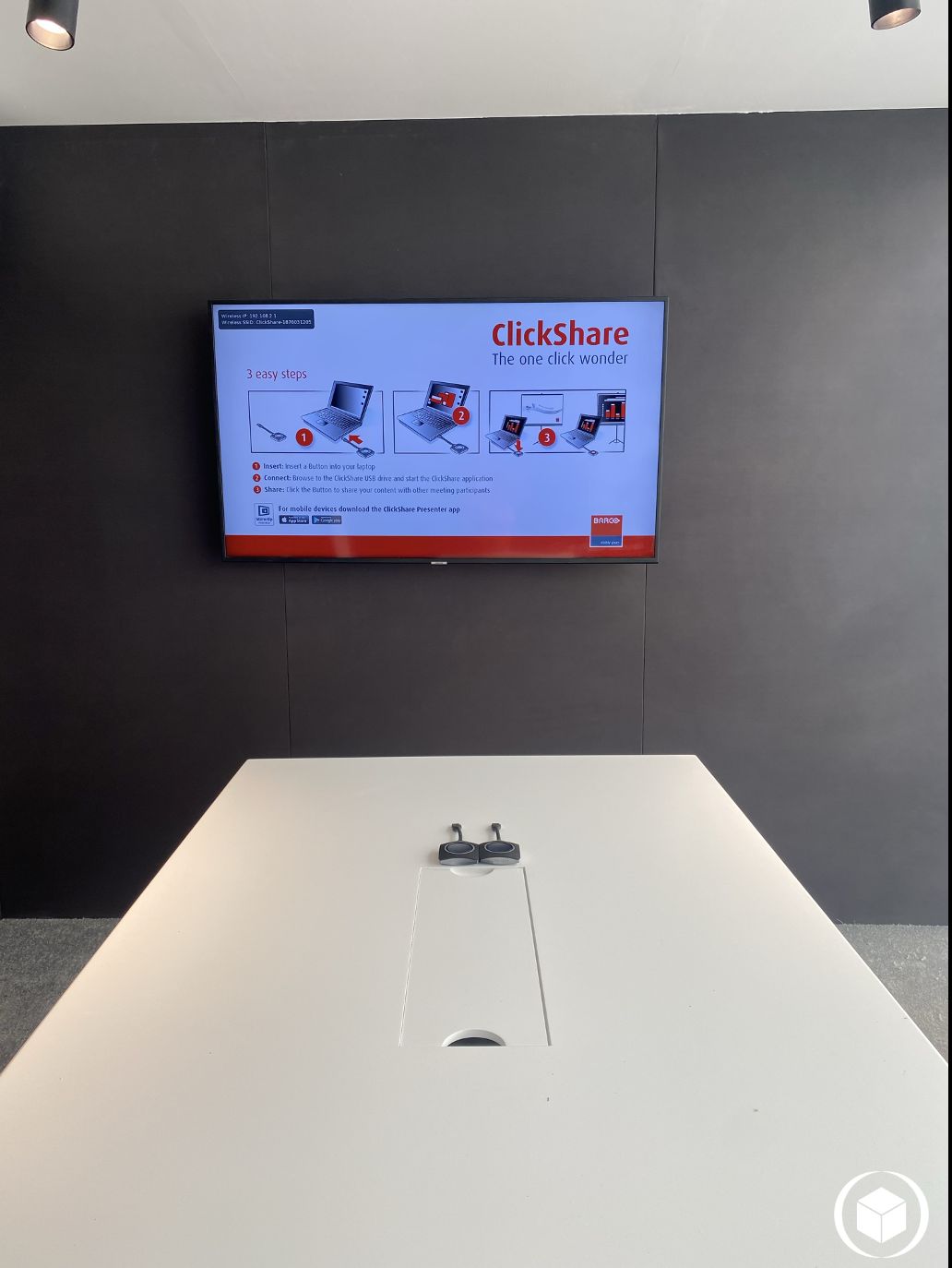
Wireless Presentation, Zero Cable Hunt
Anyone in the room connects and shares their screen in three steps, no dongles or HDMI cables under the table — built for boardrooms that host a different presenter every hour.
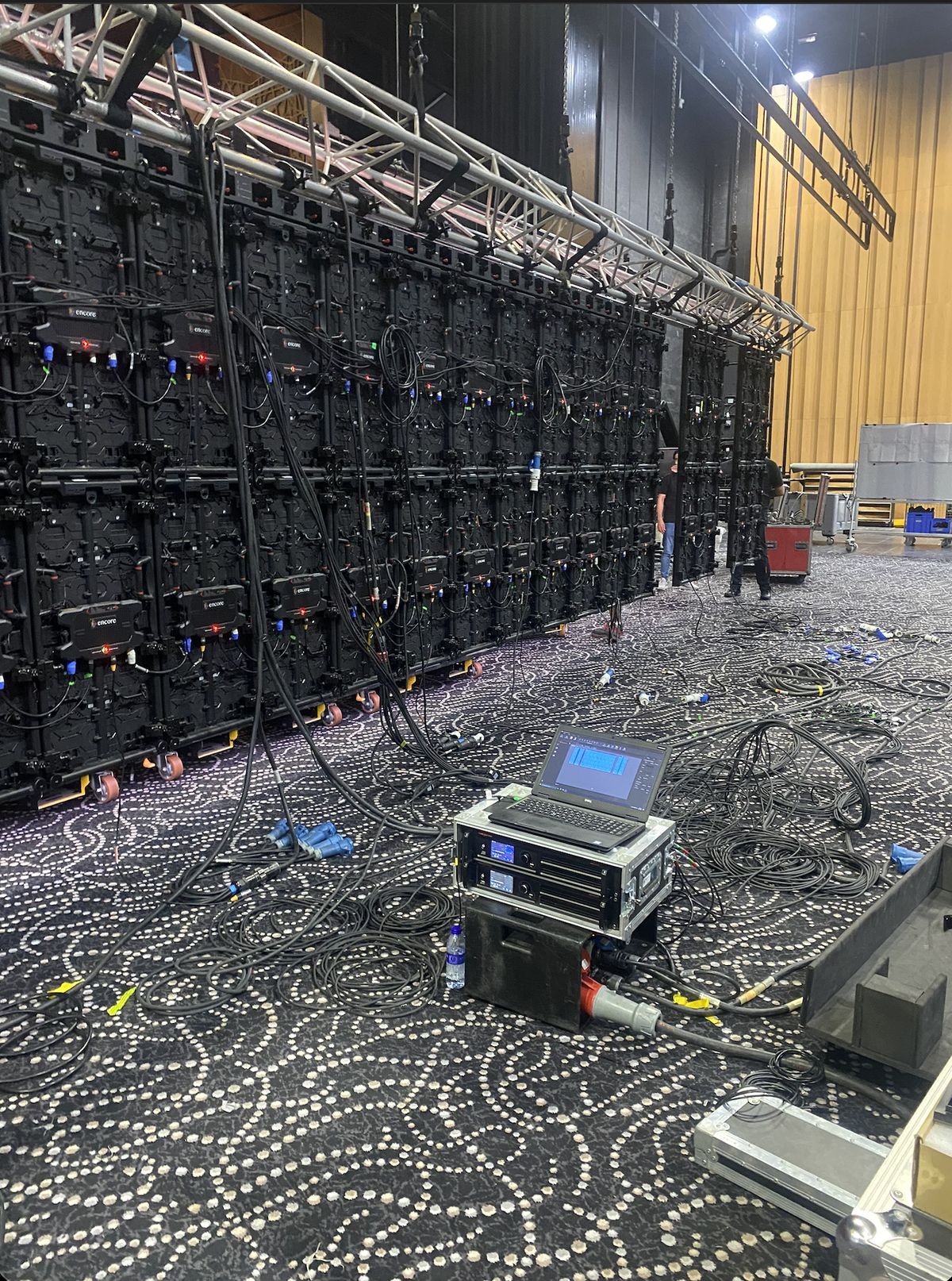
Large-Format LED, Built From the Ground Up
A full LED panel wall rigged, powered, and processed on-site — the same broadcast-grade processing gear that drives our smaller hybrid rooms, scaled up for arena-size audiences.
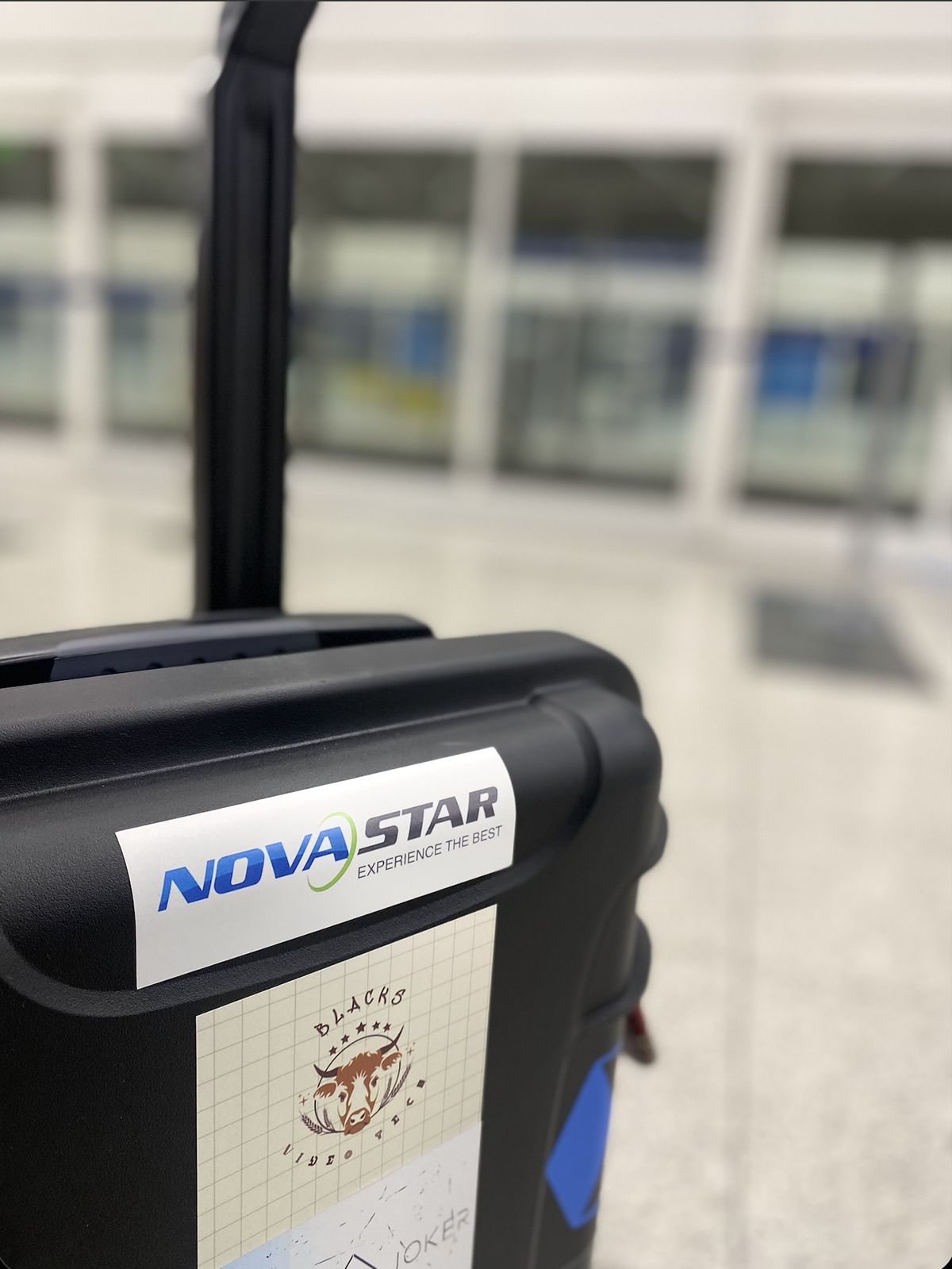
Our Own Gear, Travelling Under Our Own Name
The processors we quote you on are the ones that get flown and driven to site in branded, road-cased kit — no rental-house placeholder gear arriving on the day.
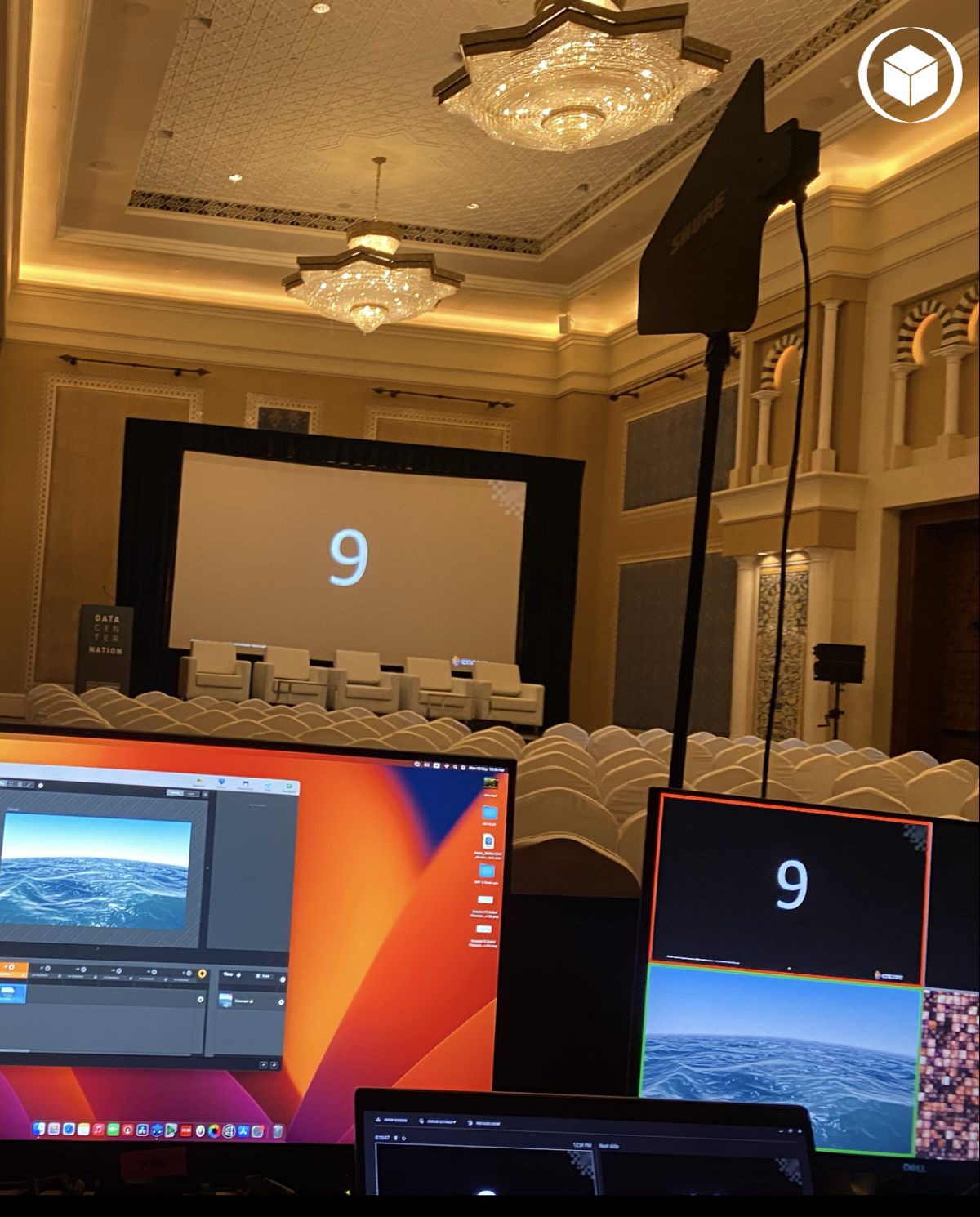
Summit-Scale Coverage, Cue to Cue
Slide advances, walk-in cues, and stage audio held tight from a single control point overlooking the full auditorium — built for the pace of a multi-session industry summit.
Executive Briefing, Live to a Remote Panel
In-room directors and a remote panel in the same conversation — shared screen, tracked camera, and clean audio, run exactly like every packaged briefing we quote.
Because "hybrid AV" means nothing until you've seen it
Three ways we walk clients through what's actually happening behind the screen — built to make sense on first read, industry background or not.
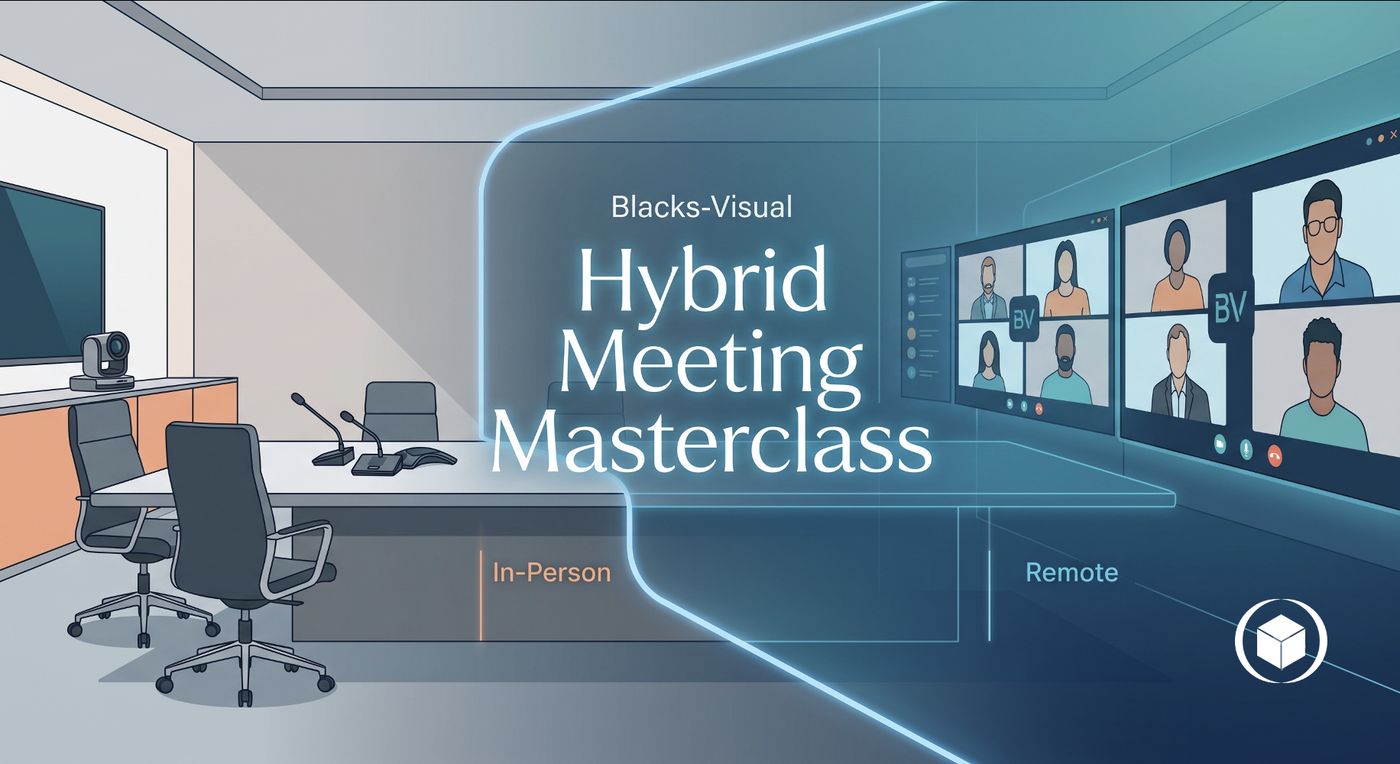
The Hybrid Meeting, Mapped
One side of the room is physical, the other is a panel of faces on a screen — our job is making sure both sides experience the same meeting, not two different ones.
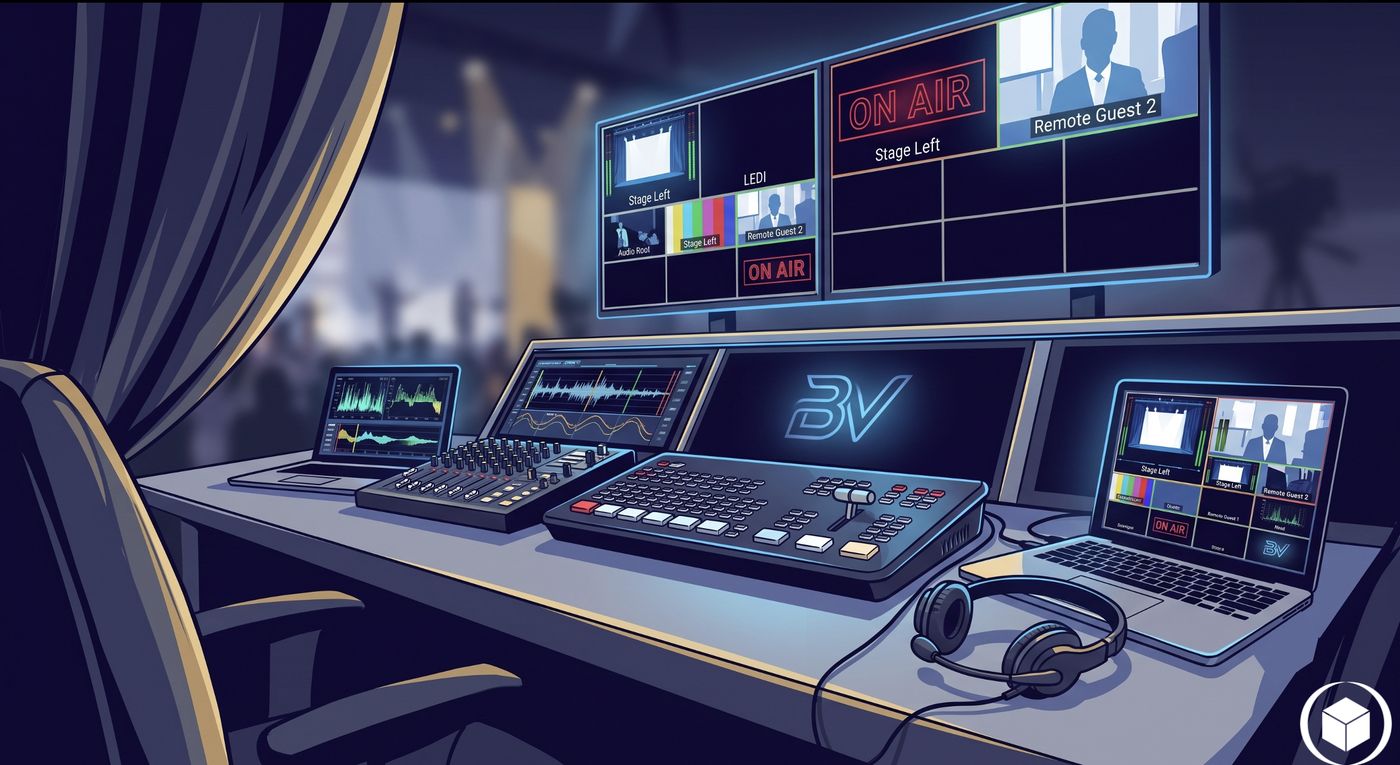
One Desk, Every Feed
Cameras, slides, and remote guests all land on one control surface before anything reaches your audience — so what goes out is always the shot you'd choose yourself.
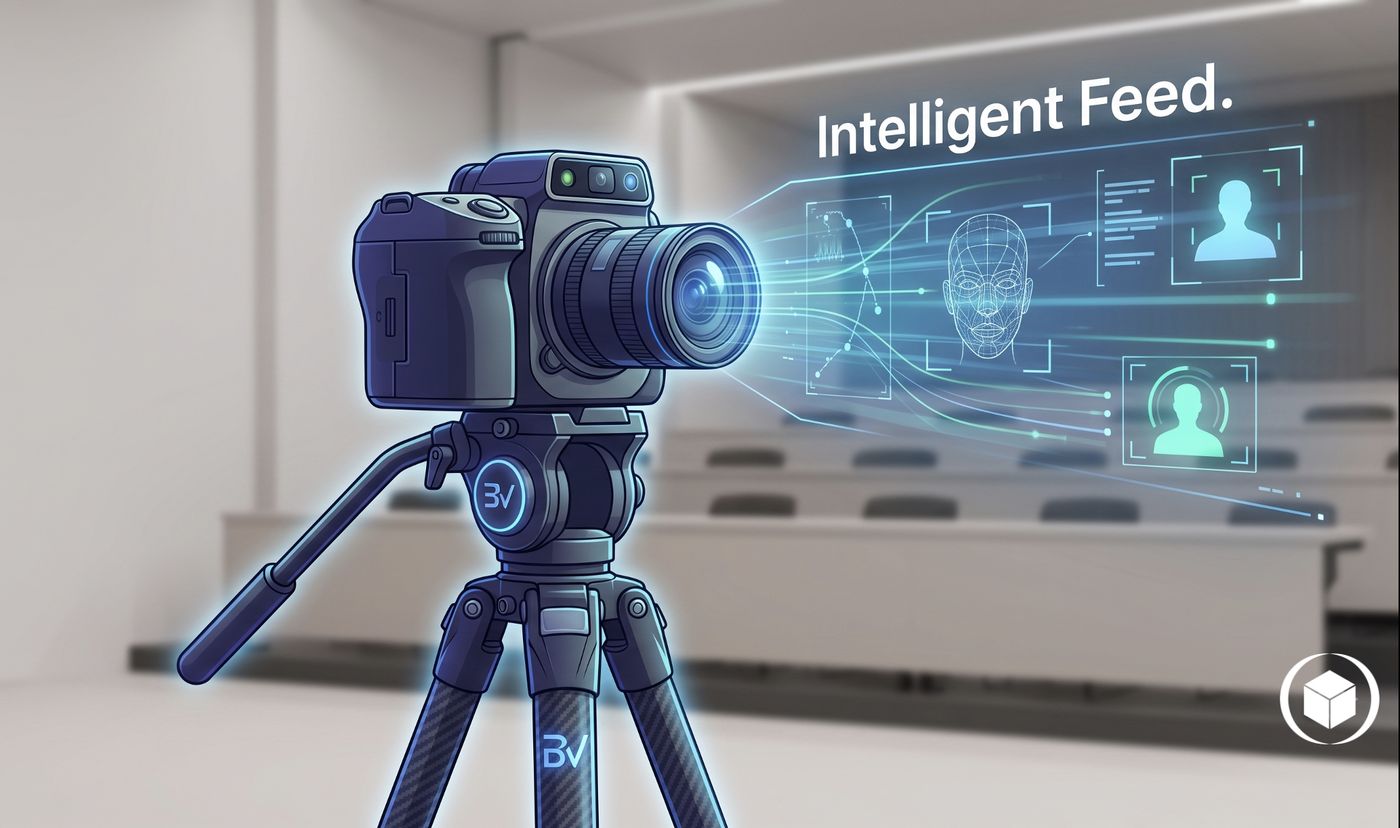
Framing Without an Operator
Next on our equipment roadmap: a camera that recognises who's speaking and reframes on its own — full room coverage without a dedicated camera operator in the room.
Translating the spec sheet into what you'll actually see
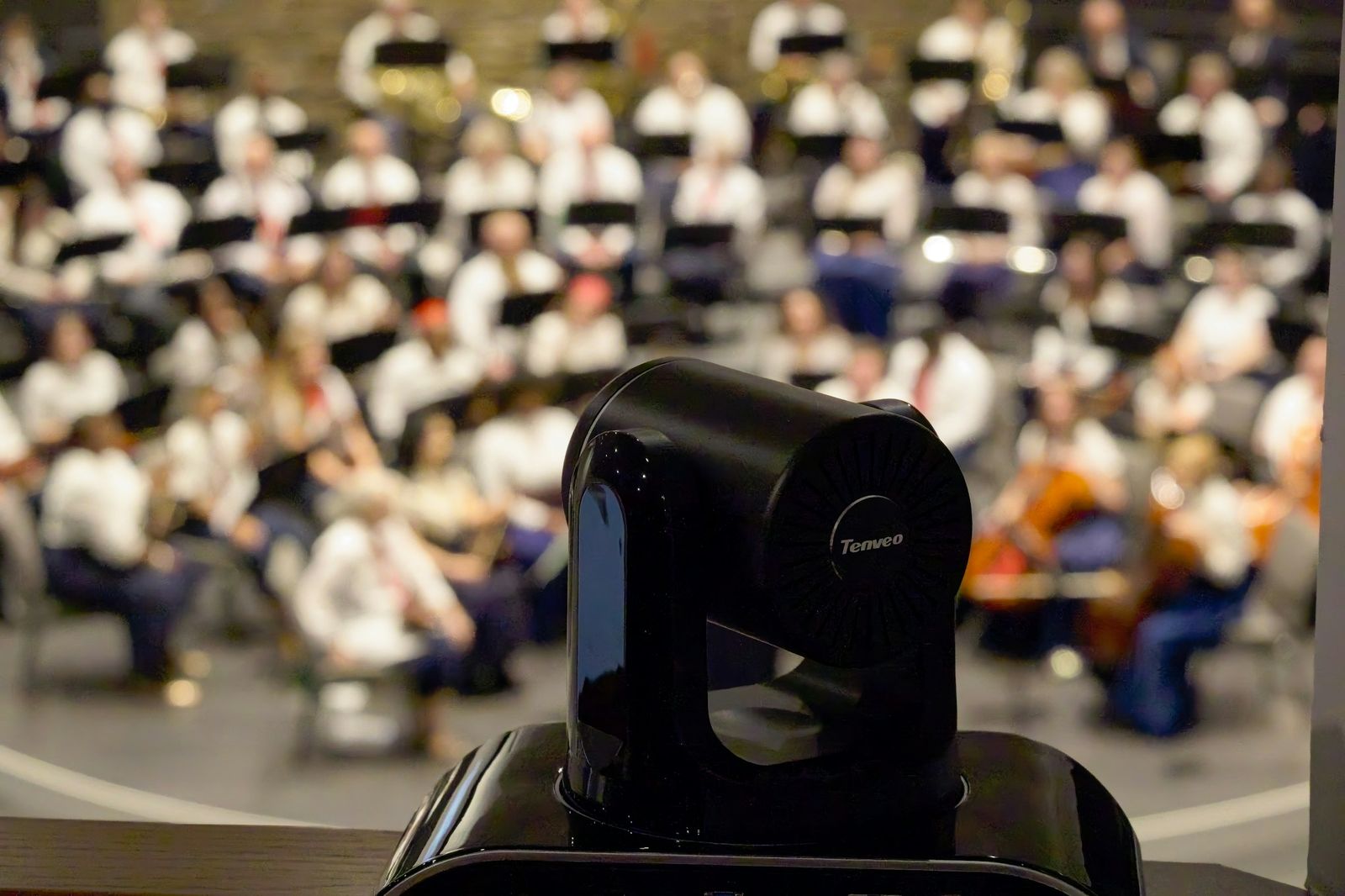
"Pan-tilt-zoom" just means the camera keeps up with the room
Instead of one fixed wide shot, a PTZ camera can be repositioned live to follow whoever's speaking, close in on a presenter, or pull back for a group shot — all without anyone touching a tripod.
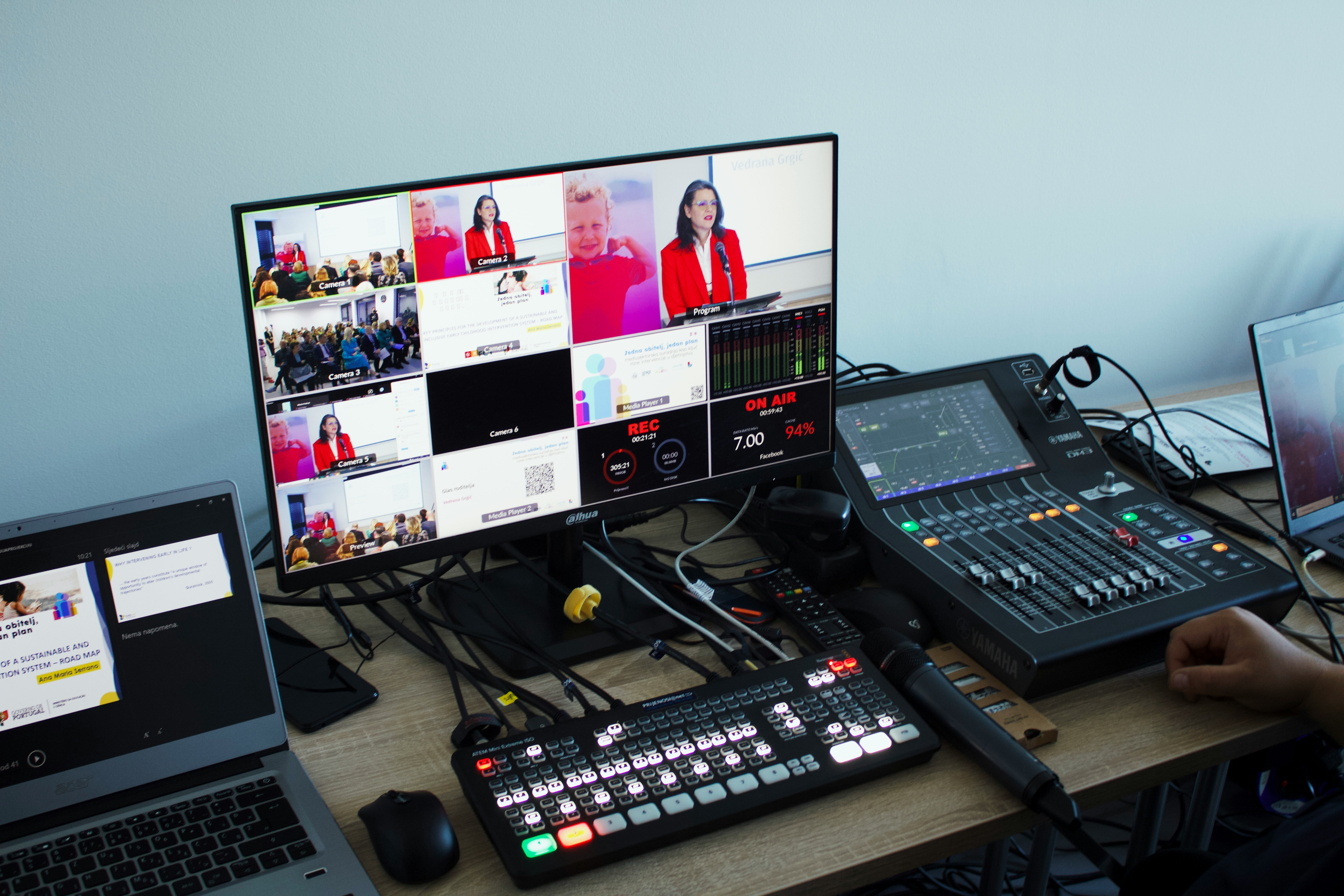
"Switching" is choosing what the audience sees, in real time
With several cameras and screens feeding in at once, switching is the decision-making layer — cutting between them cleanly so the online audience always sees the most useful shot, not just whatever's closest.
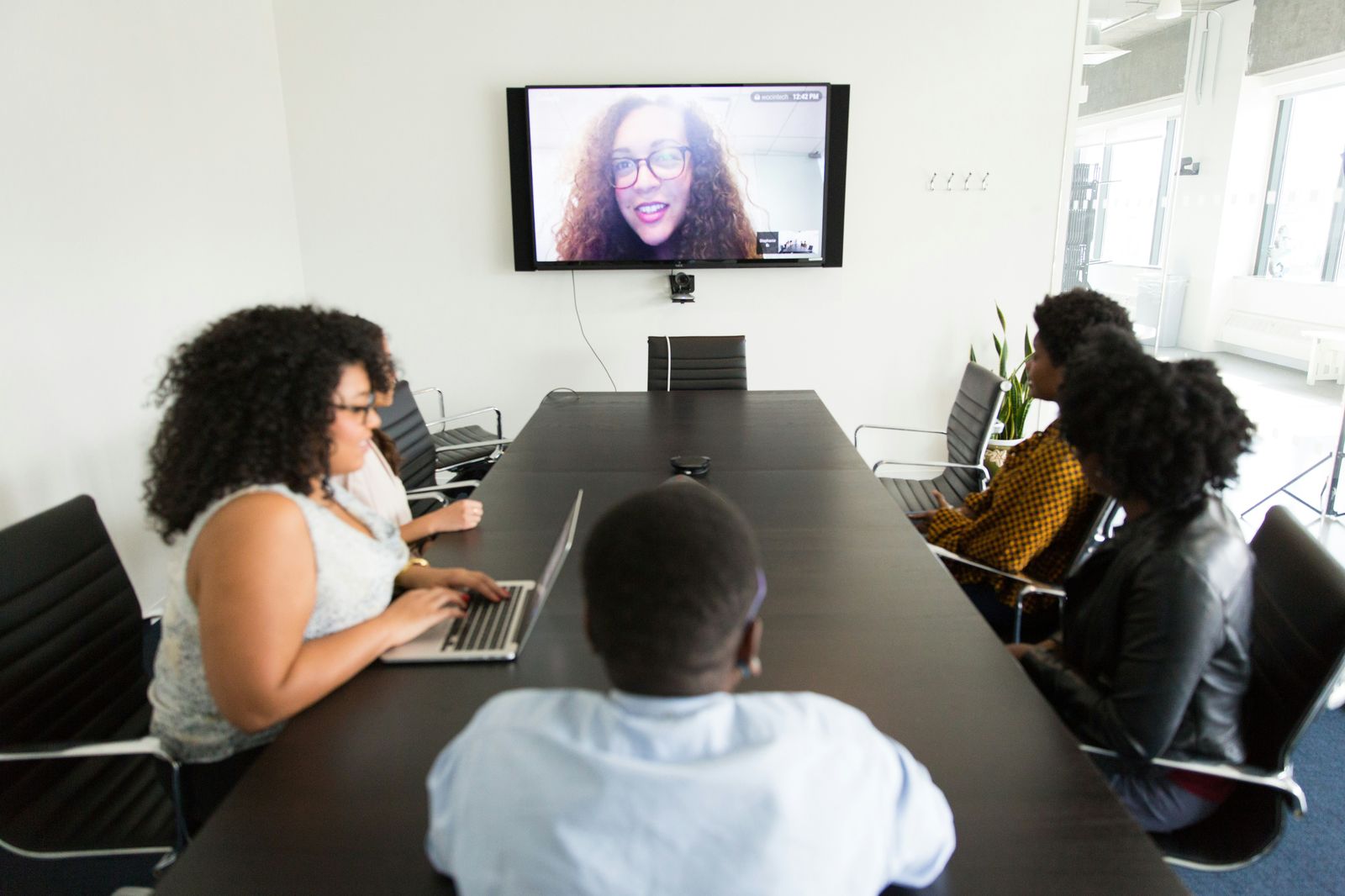
"Hybrid" means the room and the call are the same meeting
It's not a camera pointed at a room for people to watch from afar — it's audio, video, and screen sharing engineered so remote participants can actually contribute, not just observe.
Want your event to look like this?
Tell us the room, the audience, and the date — we'll tell you exactly what it takes to run it this cleanly.